Can't keep up with banner and video volume
Choose from 3–10 concepts; the storyboard flows straight into the video editor. Vertical, square and widescreen video and banners live in one campaign.
For ad agencies & production studios
Mass-producing banners and videos per job, endless client review rounds, organizing delivery files for every channel. BunCho's campaigns put concept, copy and storyboard, production, review and delivery in one workspace — and the AI only uses product facts you've confirmed.
Start a campaignSee plans & prices
First-time subscribers get a 7-day free trial. Cancel anytime during the trial and you pay nothing.
Choose from 3–10 concepts; the storyboard flows straight into the video editor. Vertical, square and widescreen video and banners live in one campaign.
Expiring, login-free review links let clients pin comments to a spot on an image or a moment in a video.
Only approved versions, in a ZIP split by social video, video ads, banners and print PDF — with specs, a production-history CSV and provenance JSON.
Real samples made in the studio (our team made them in Japanese — you work in your own language). Start from the same template with one click.
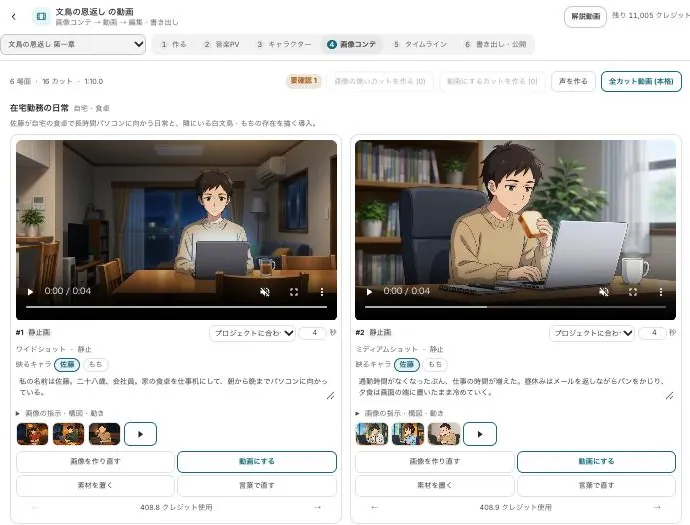
The concept's storyboard goes straight into the video editor as image boards.
Runs on our own GPUs — unlimited on Feast and above (fair-use limits apply)
Start from this sample →Vertical, square and widescreen versions in the same campaign.
Uses a hosted model (uses credits; you see an estimate before it runs)
Start from this sample →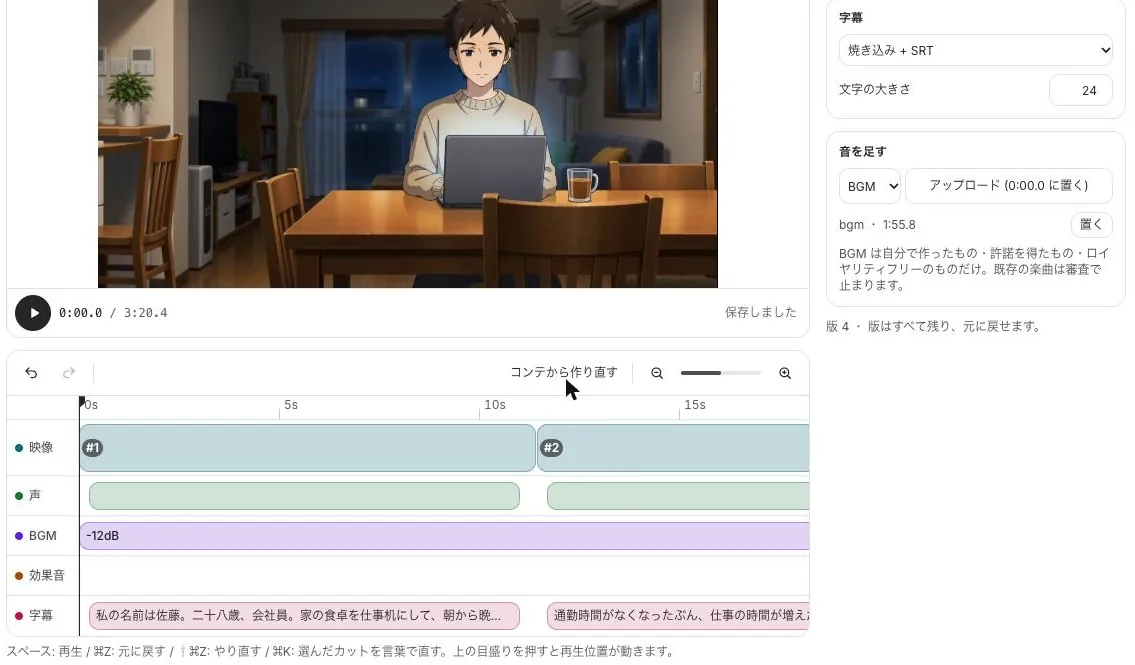
Finish with narration, BGM, sound effects and subtitle tracks.
Runs on our own GPUs — unlimited on Feast and above (fair-use limits apply)
Start from this sample →Set client, goal and channels, then confirm the description imported from the product page. The AI isn't used until you confirm.
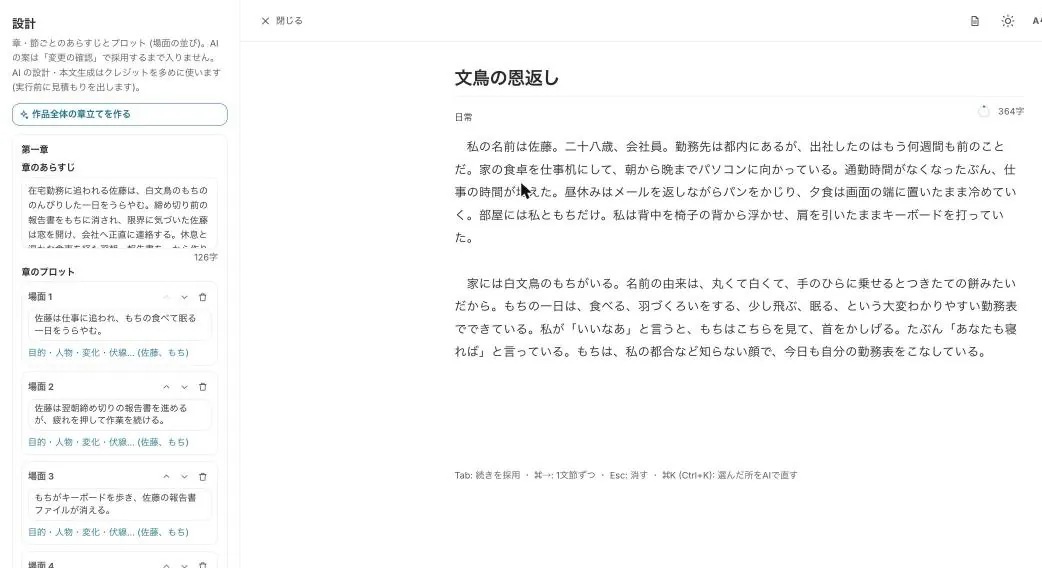
Pick from AI concepts (idea, insight, copy, storyboard), produce video and banners, and version them up.
Approve through internal and client review, then deliver per-channel ZIPs.
Numbers or claims like "No. 1" that aren't in the confirmed facts are flagged on the concept.
In production → in review → approved → locked, with version history, reasons for changes, approver and time.
Model, terms version, asset sources and approver recorded as JSON, with field names that map easily to C2PA.
Resize for every channel, place text, logo and QR, and export print-ready 300 dpi PDF or CMYK PDF.
Start from a sample and swap in your own story. New subscribers get 7 days free; the free tools stay free.
Start a campaignSee plans & prices
All use cases · Writers · Comic artists · Indie comics & zines · VTubers & streamers · YouTubers · Musicians · Game devs & TTRPG · Teachers · Small businesses · On your phone · Filmmakers