Every video takes hours of editing
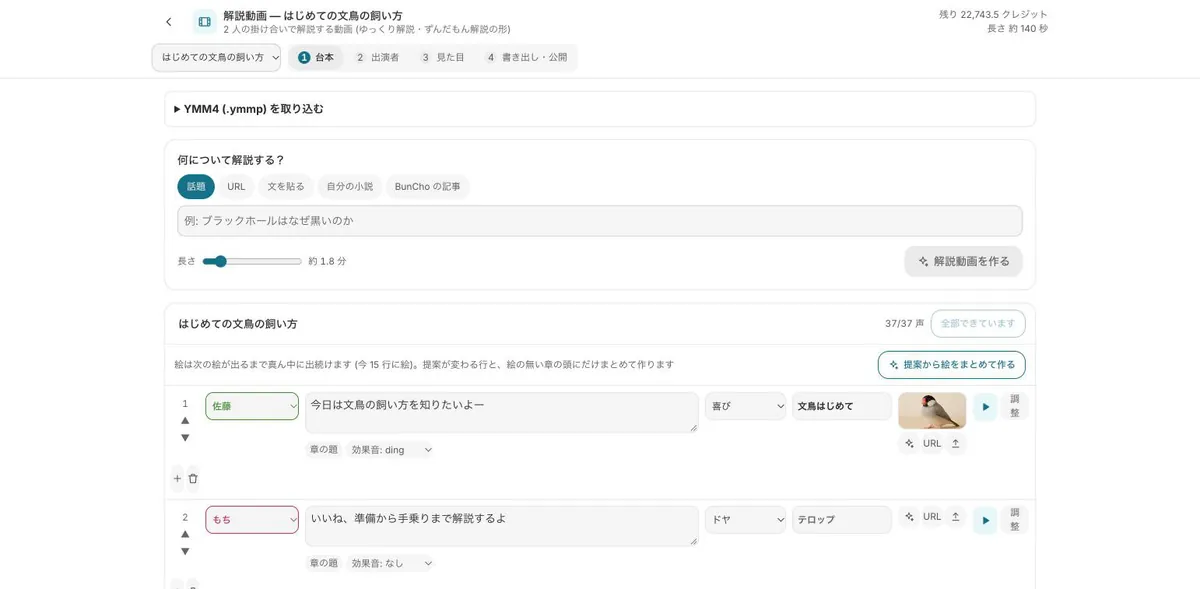
The storyboard comes from your script; fix the order and images, then build the timeline in one click.
For YouTubers & faceless channels
Writing, finding visuals, cutting and captioning takes hours per video. In BunCho, your script becomes a storyboard of cuts; animate them, then lay voice, BGM, sound effects and subtitles on one timeline and export. It runs in the browser, so Mac and iPad work as well as Windows.
Make a short from a scriptSee plans & prices
First-time subscribers get a 7-day free trial. Cancel anytime during the trial and you pay nothing.
The storyboard comes from your script; fix the order and images, then build the timeline in one click.
It's all in the browser, on Mac, iPad and Windows alike.
Make vertical (9:16) versions on the same theme as the main video.
Real samples made in the studio (our team made them in Japanese — you work in your own language). Start from the same template with one click.
Two characters explain a topic back and forth. This format currently uses Japanese voices (VOICEVOX characters such as Zundamon) — a fit for anime-style and Japanese-learning channels. Voice credits are added automatically.
Runs on our own GPUs — unlimited on Feast and above (fair-use limits apply)
Start from this sample →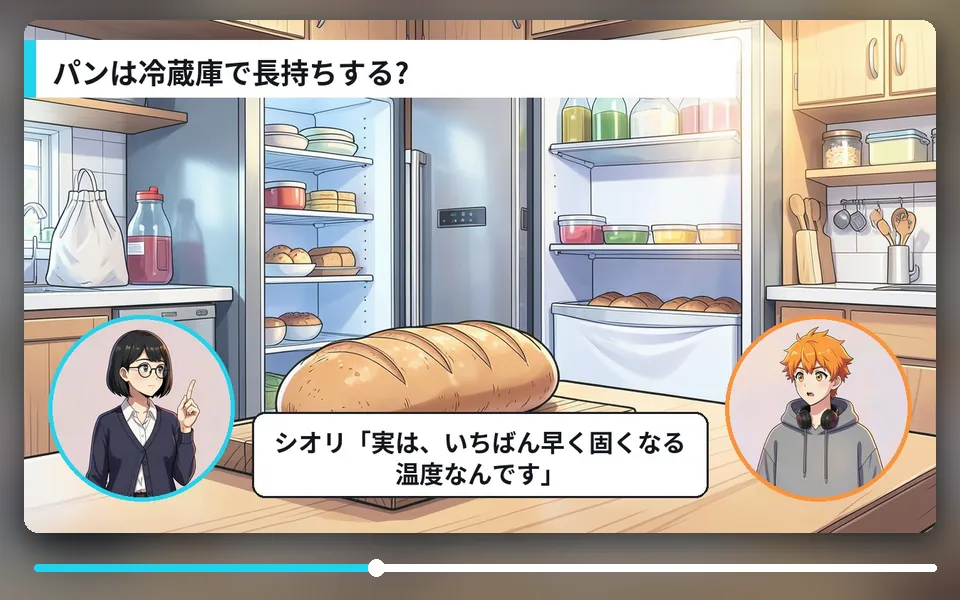
A question-and-answer format for fun facts.
Runs on our own GPUs — unlimited on Feast and above (fair-use limits apply)
Start from this sample →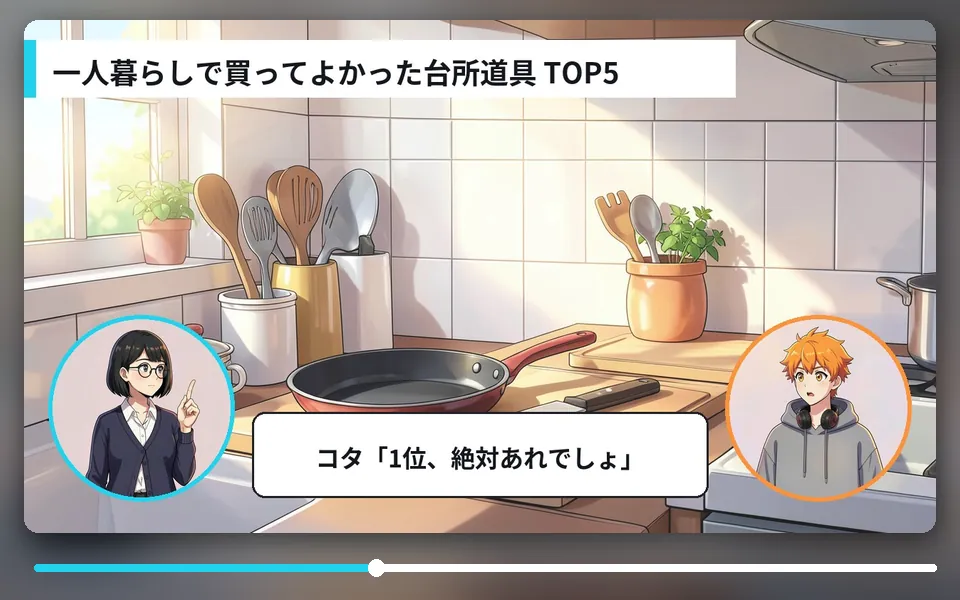
Count down a top list with commentary.
Runs on our own GPUs — unlimited on Feast and above (fair-use limits apply)
Start from this sample →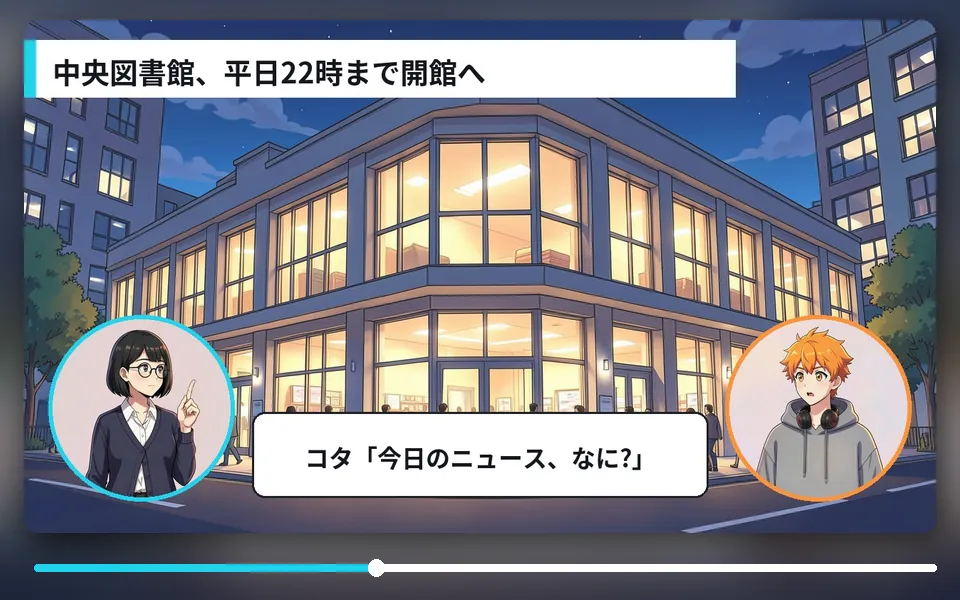
Cover a topic as key points, background and a takeaway.
Runs on our own GPUs — unlimited on Feast and above (fair-use limits apply)
Start from this sample →Widescreen 16:9 for the main channel or vertical 9:16 for Shorts; choose a style and the cast.
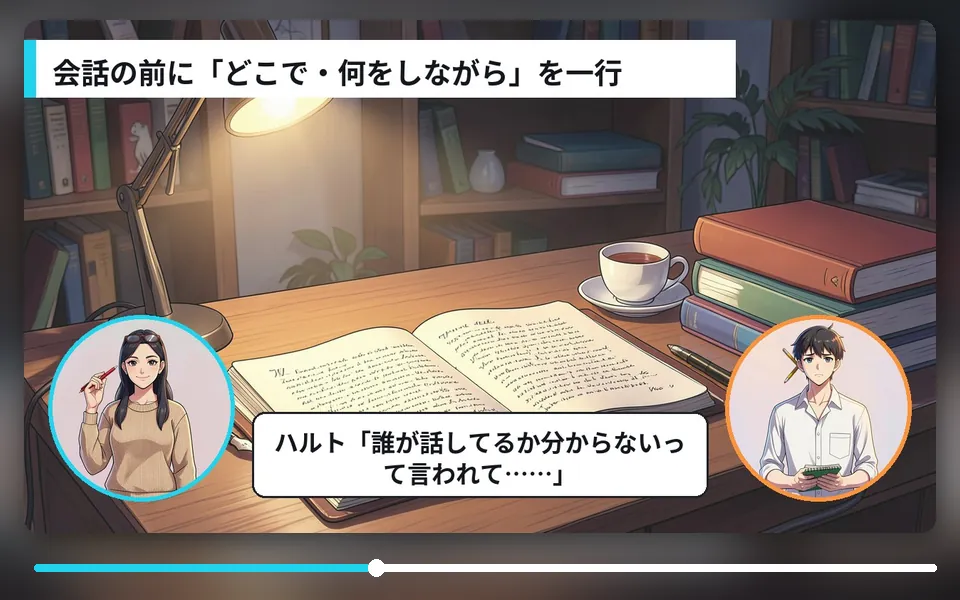
Fix the lines in the script tab; voices and subtitles follow.
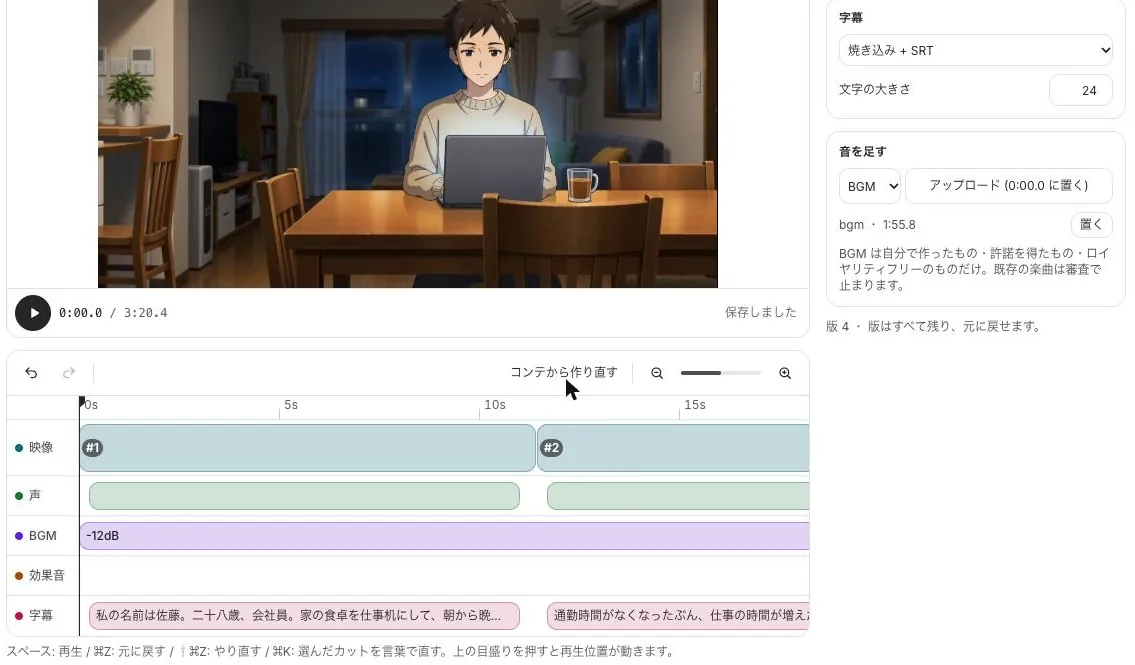
Check the voice, BGM, sound-effect and subtitle tracks, then export. BGM can duck under voices automatically.
Nothing to install. Mac, iPad and Windows.
Video, voice, BGM, sound effects and subtitles on separate tracks, with automatic ducking.
Export 480p to 2160p for YouTube, or vertical for Shorts, TikTok and Reels.
Start from a sample and swap in your own story. New subscribers get 7 days free; the free tools stay free.
Make a short from a scriptSee plans & prices
All use cases · Writers · Comic artists · Indie comics & zines · VTubers & streamers · Musicians · Game devs & TTRPG · Teachers · Small businesses · Ad agencies · On your phone · Filmmakers