Readers won't open chapter one
Post a comic of your best scene or a 30-second trailer, so people feel the story before they read a word. The promo kit makes the share images and post copy too.
For novelists & web fiction writers
Posting chapters on Royal Road or Wattpad isn't enough to get that first click. With BunCho you can turn your best scene into a comic for social media, build a storyboard from a chapter and make a 30-second book trailer, and keep writing with an AI that never edits your manuscript behind your back.
Make a book trailer from a chapterSee plans & prices
First-time subscribers get a 7-day free trial. Cancel anytime during the trial and you pay nothing.
Post a comic of your best scene or a 30-second trailer, so people feel the story before they read a word. The promo kit makes the share images and post copy too.
Character sheets, world notes and writing rules for each work go into every AI request. For changes across many chapters, the agent proposes a plan and you accept it section by section.
Make your own comic or webtoon version and see how readers react first. The same character sheet carries their look into comics and video.
Real samples made in the studio (our team made them in Japanese — you work in your own language). Start from the same template with one click.
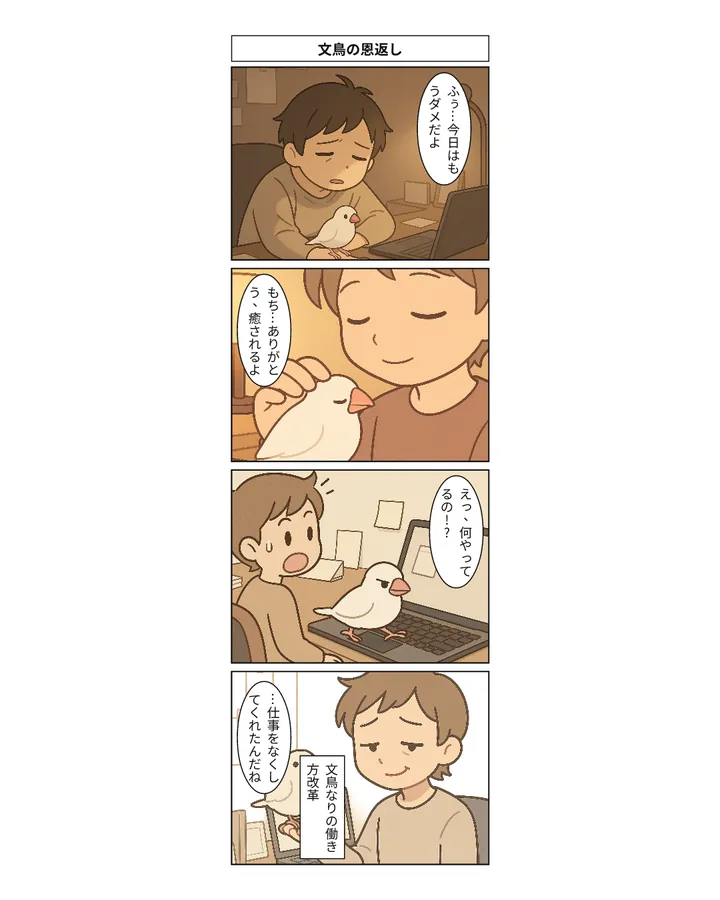
Pick a chapter and the studio finds the most comic-worthy scene, plans four beats and draws them with your characters locked.
Runs on our own GPUs — unlimited on Feast and above (fair-use limits apply)
Start from this sample →Build a scene-by-scene storyboard from a chapter, animate the cuts and add voice and music. Widescreen (16:9) runs on our own GPUs.
Runs on our own GPUs — unlimited on Feast and above (fair-use limits apply)
Start from this sample →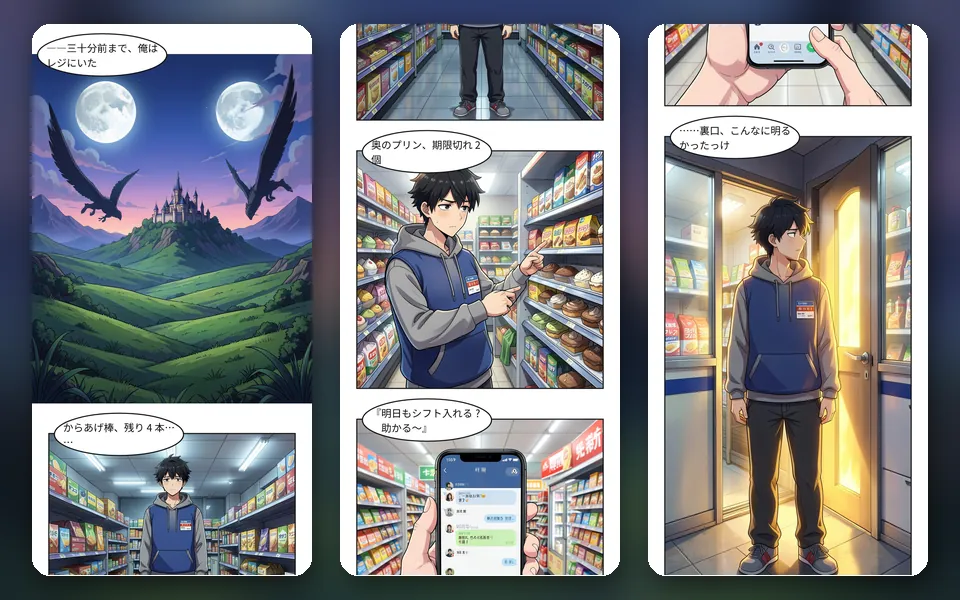
A full-color vertical-scroll comic for phones. Export split images 800 px wide for WEBTOON CANVAS.
Runs on our own GPUs — unlimited on Feast and above (fair-use limits apply)
Start from this sample →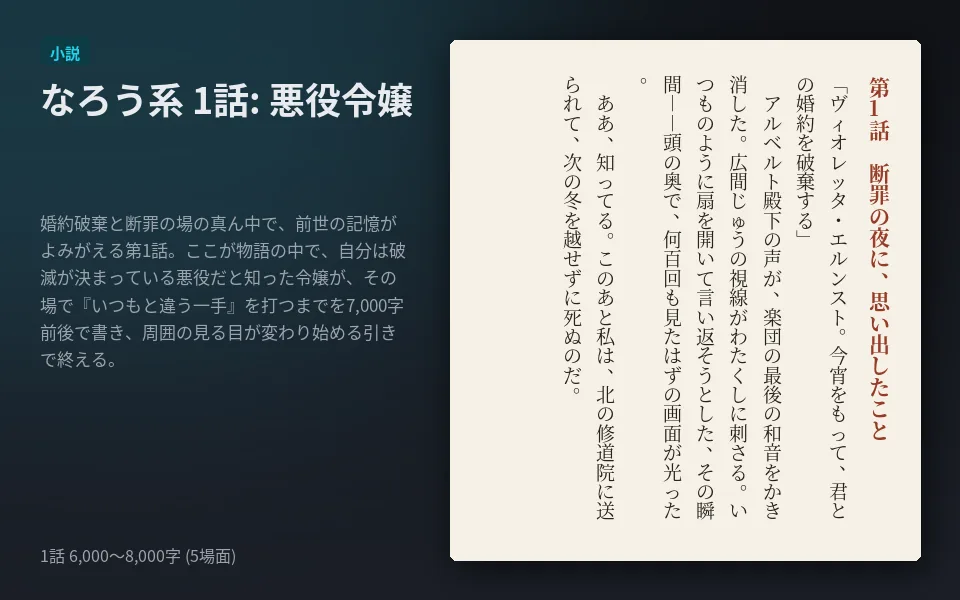
Start a new serial from proven first-chapter structures for villainess, isekai, revenge and slow-life stories.
Runs on our own GPUs — unlimited on Feast and above (fair-use limits apply)
Start from this sample →Bring in TXT, Markdown, DOCX, EPUB or a Scrivener ZIP and check the chapter preview before importing. Your posted work stays where it is.
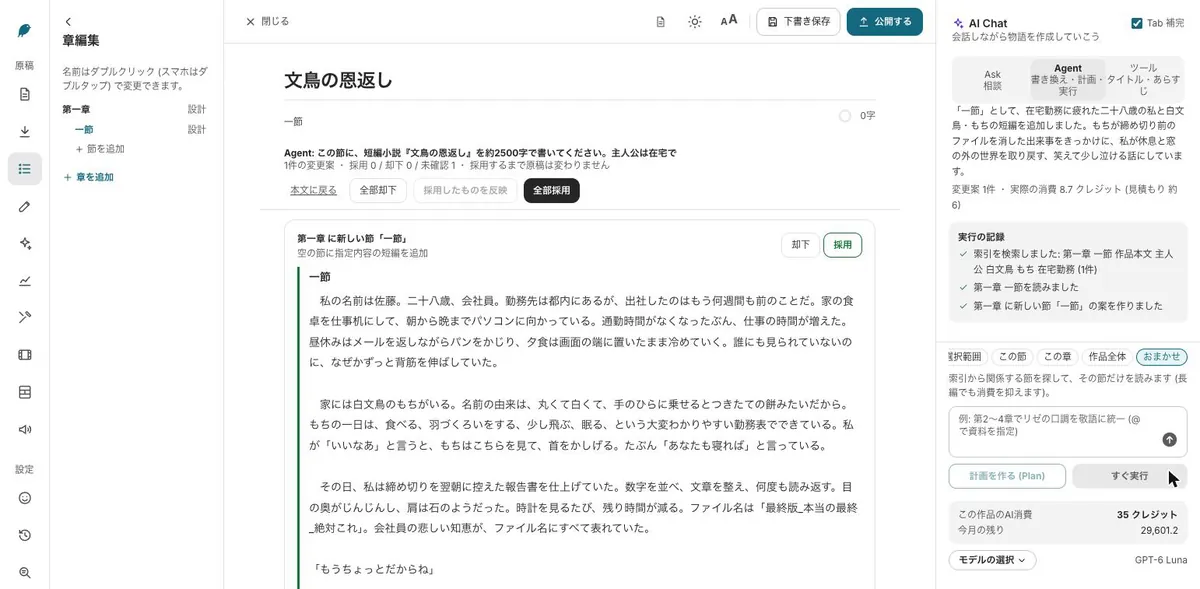
Open a chapter and make a four-panel comic or manga pages. Lock a character sheet and every panel draws the same face, hair and outfit.
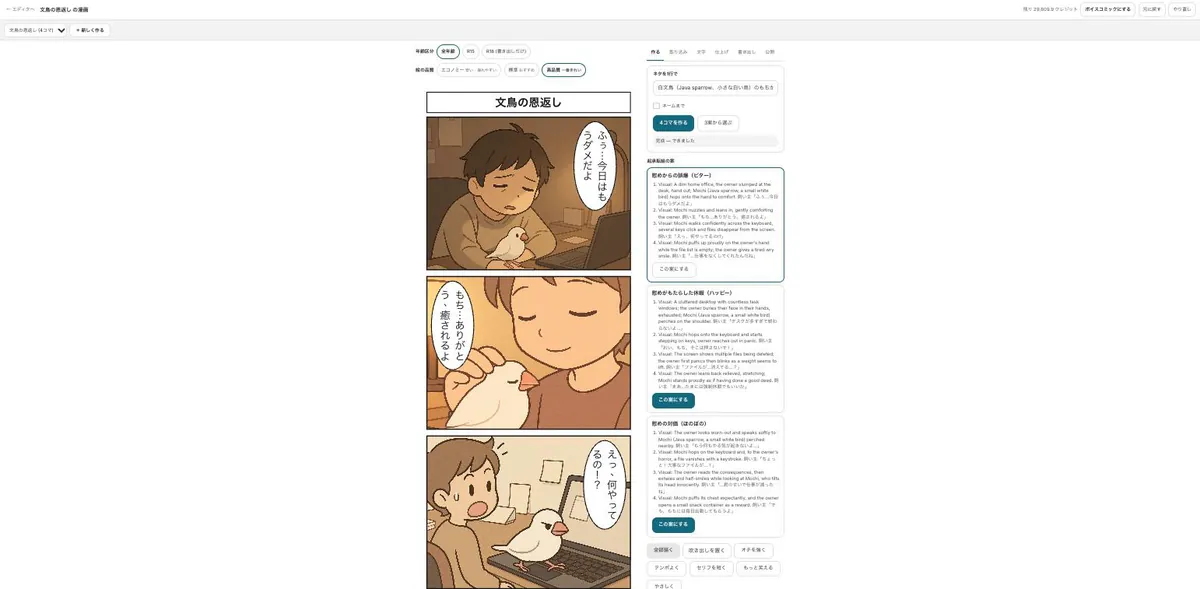
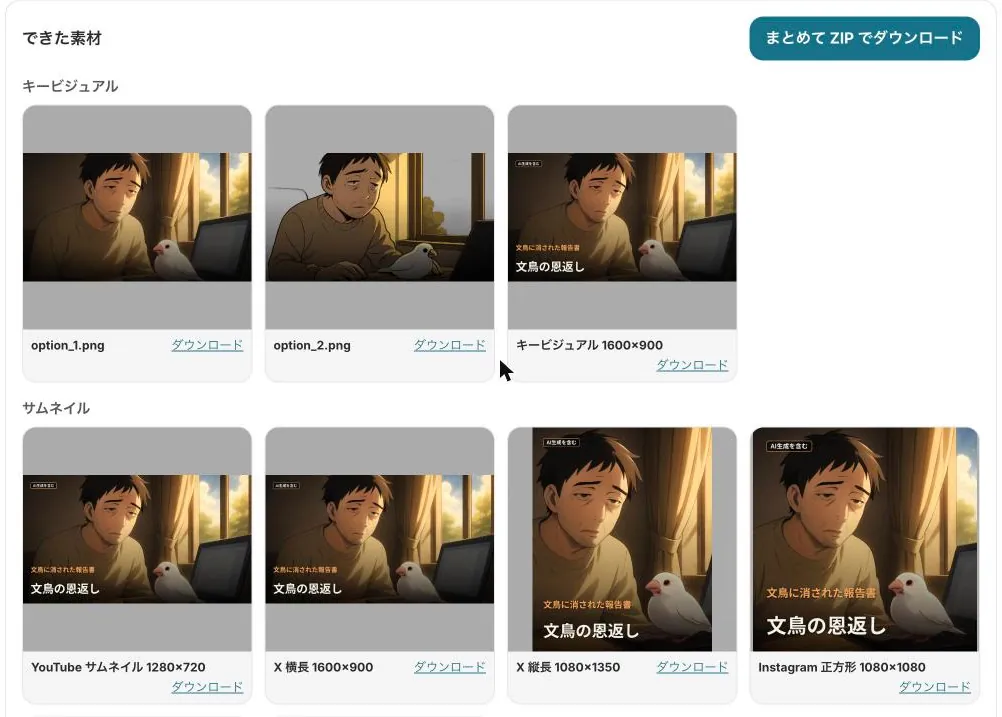
Build a storyboard from the chapter, animate the cuts, and use the promo kit for a trailer, key visual and post copy, all zipped up.
Tab completion, inline edit (⌘K / Ctrl+K) and the agent all show a diff first. Nothing changes until you accept, and a checkpoint is saved before each run.
Copy-ready formats for Royal Road, AO3 and Wattpad, plus EPUB, DOCX and TXT.
The look you set on a character sheet carries into comic panels and video cuts.
Start from a sample and swap in your own story. New subscribers get 7 days free; the free tools stay free.
Make a book trailer from a chapterSee plans & prices
All use cases · Comic artists · Indie comics & zines · VTubers & streamers · YouTubers · Musicians · Game devs & TTRPG · Teachers · Small businesses · Ad agencies · On your phone · Filmmakers