No budget to outsource
Flyers, banners, comics, jingles and video, made by your own staff. Resize for every channel in one go.
For shops & small businesses
No budget to outsource flyers and social ads every time, and text-only posts scroll past. BunCho's design editor has sizes for Instagram, Google, TikTok and more, plus A4 flyers and posters: place text, images and a QR code and export print-ready PDF at 300 dpi. You can also turn a new menu item into a comic or make a 15-second jingle and a video ad.
Make a promo comicSee plans & prices
First-time subscribers get a 7-day free trial. Cancel anytime during the trial and you pay nothing.
Flyers, banners, comics, jingles and video, made by your own staff. Resize for every channel in one go.
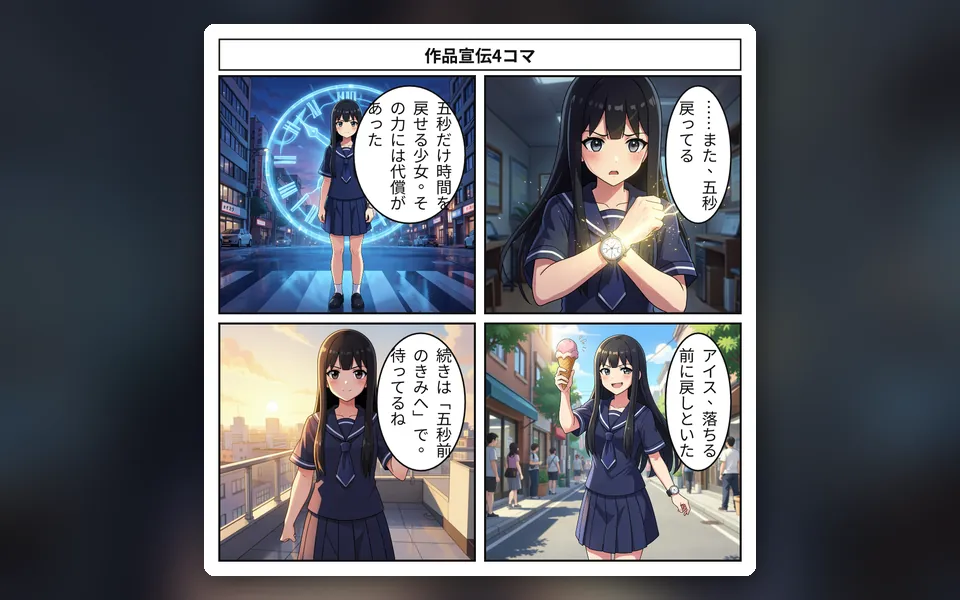
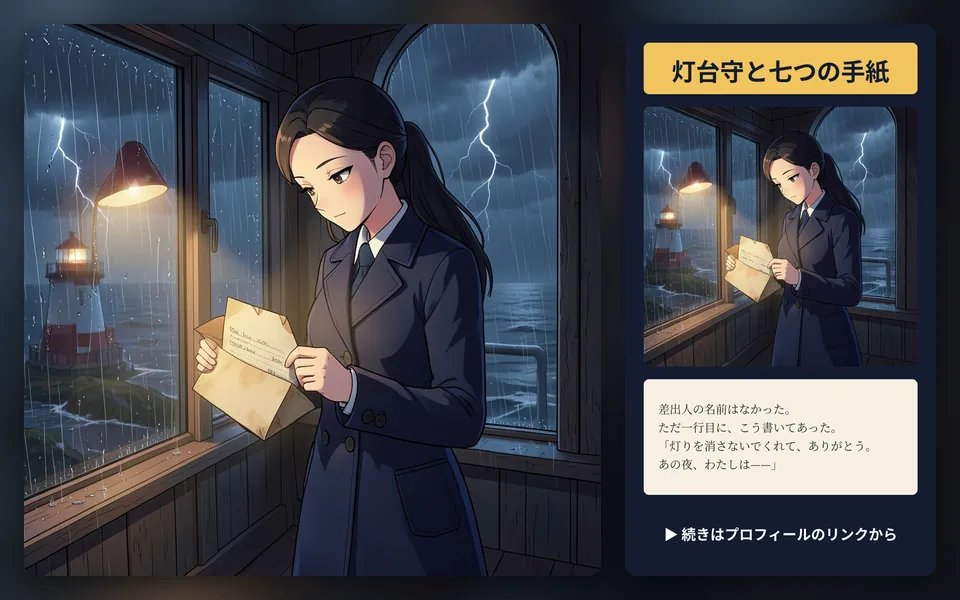
Comics and character dialogue stand out in the feed.
Design checks flag text size, channel rules and risky ad wording. Campaign copy is written only from product facts you've confirmed.
Real samples made in the studio (our team made them in Japanese — you work in your own language). Start from the same template with one click.
Introduce a new product or event in four panels, as one image ready for social media.
Runs on our own GPUs — unlimited on Feast and above (fair-use limits apply)
Start from this sample →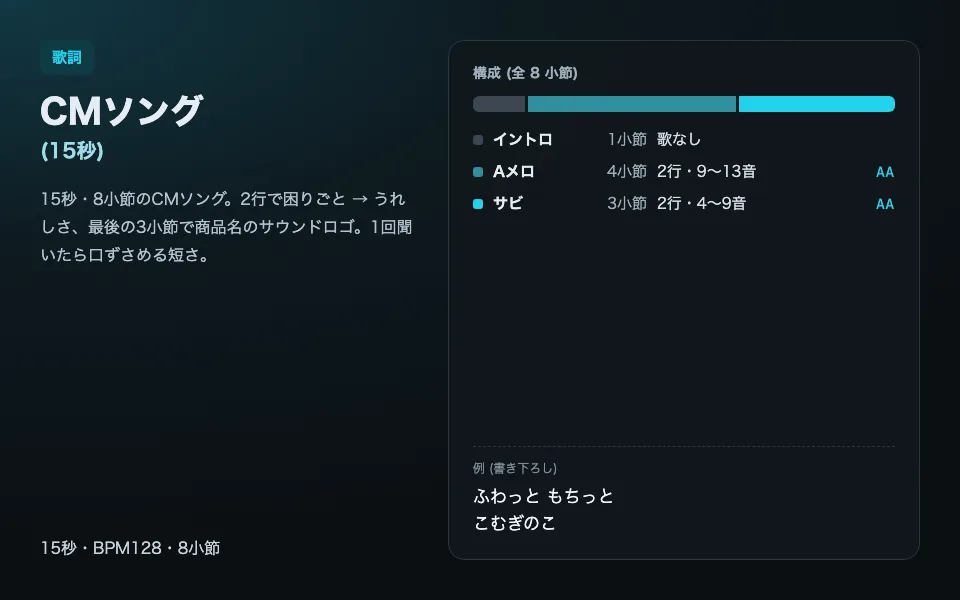
Eight bars, 15 seconds, written so the shop or product name sticks at the end.
Runs on our own GPUs — unlimited on Feast and above (fair-use limits apply)
Start from this sample →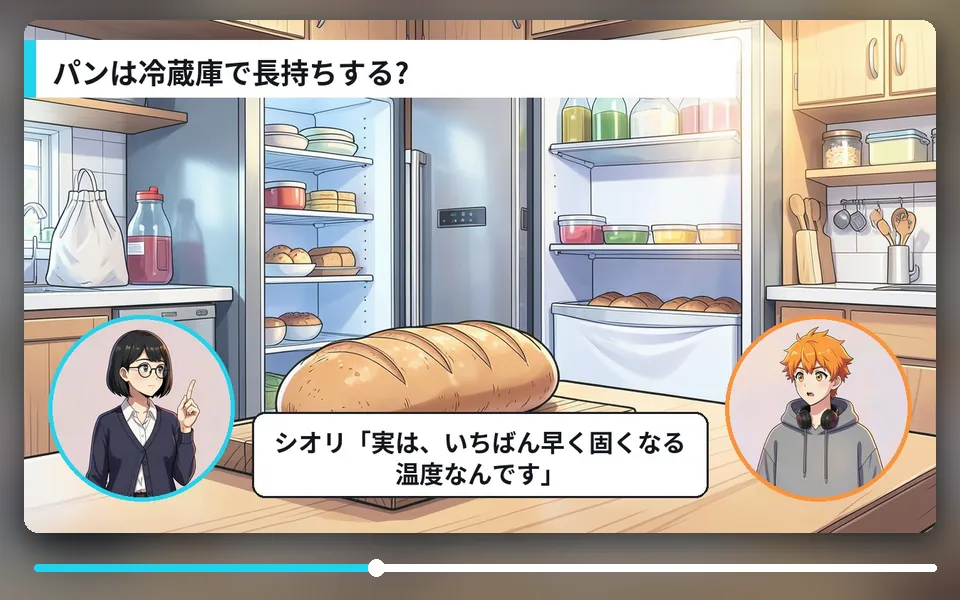
Show your expertise with a quick fun-fact explainer. The built-in voices are Japanese.
Runs on our own GPUs — unlimited on Feast and above (fair-use limits apply)
Start from this sample →Vertical video for Reels, TikTok and Shorts.
Uses a hosted model (uses credits; you see an estimate before it runs)
Start from this sample →A new menu item, a seasonal sale, what makes your shop special — one line is enough.
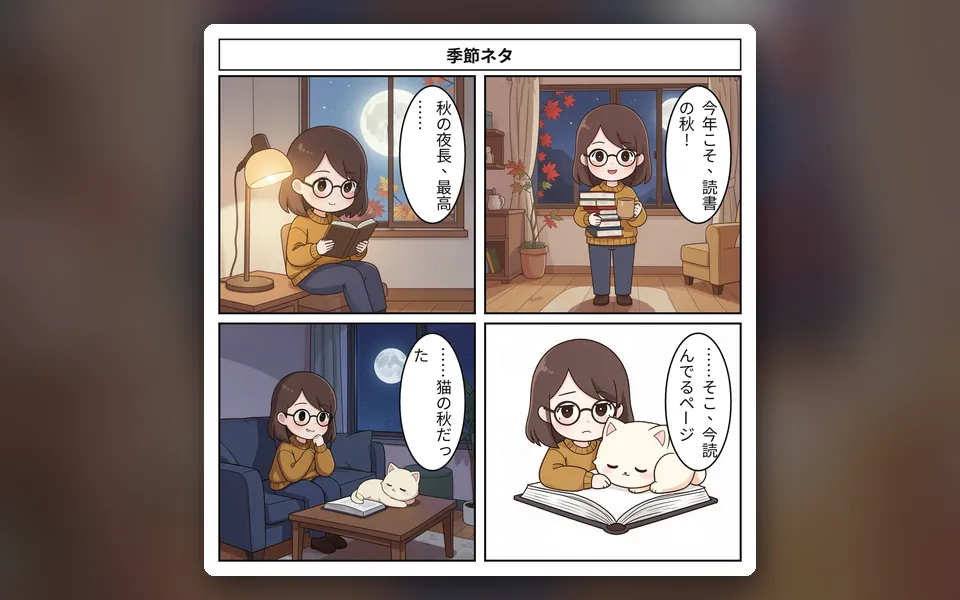
Comic, announcement image, jingle, explainer or vertical video.
Export sizes for social, in-store and web, download, then post.
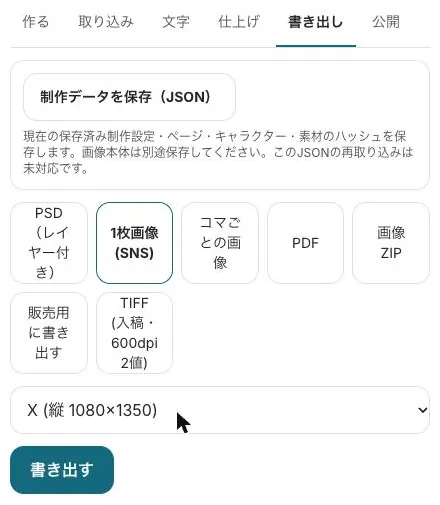
Pick a media size, place text, images and a QR code, and export PNG, JPG, PDF or print-ready 300 dpi PDF.
Three plan options, copy, storyboard, video and banners, print PDF, a comment-only review link and per-channel ZIP delivery.
From 2 seats, with per-member limits and usage.
Start from a sample and swap in your own story. New subscribers get 7 days free; the free tools stay free.
Make a promo comicSee plans & prices
All use cases · Writers · Comic artists · Indie comics & zines · VTubers & streamers · YouTubers · Musicians · Game devs & TTRPG · Teachers · Ad agencies · On your phone · Filmmakers