The pages won't be ready in time
Start from a 16-, 24- or 32-page plan and move through layout → art → balloons. Redraw only the panels that need it.
For indie comic, zine & doujinshi makers
The convention is close and the pages aren't done. BunCho takes you from a page-count template through layout, art and balloons, to the cover and files your printer accepts — all on one screen. Made for original work.
Start with the 16-page templateSee plans & prices
First-time subscribers get a 7-day free trial. Cancel anytime during the trial and you pay nothing.
Start from a 16-, 24- or 32-page plan and move through layout → art → balloons. Redraw only the panels that need it.
Export 600 dpi TIFF, PDF with trim marks, or layered PSD with dialogue kept as text. Page numbers and bleed are handled.
Make an announcement card and post copy from your cover, or a preview card from sample pages.
Real samples made in the studio (our team made them in Japanese — you work in your own language). Start from the same template with one click.
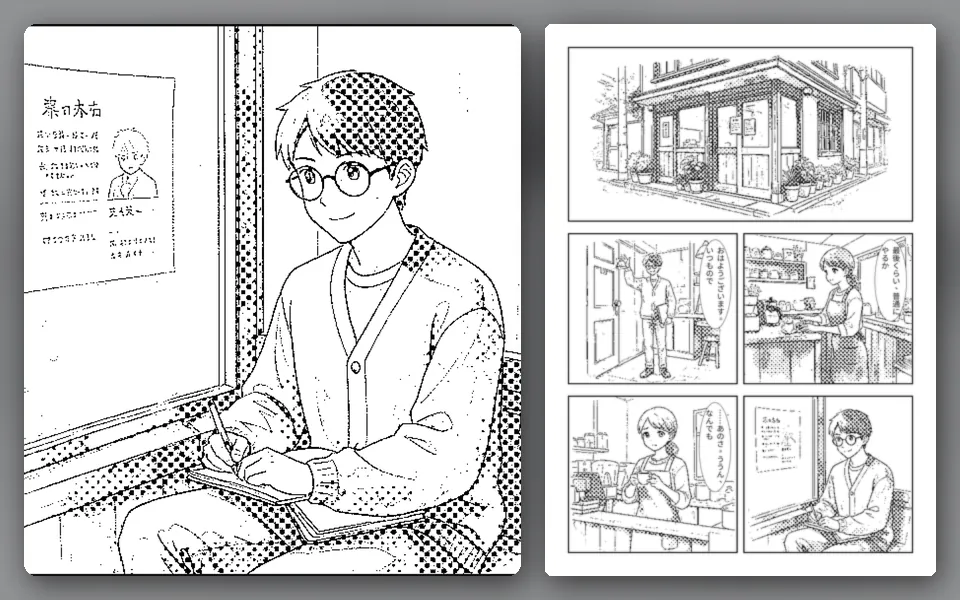
A story arc split across 16 pages, laid out as cover, title page and body.
Runs on our own GPUs — unlimited on Feast and above (fair-use limits apply)
Start from this sample →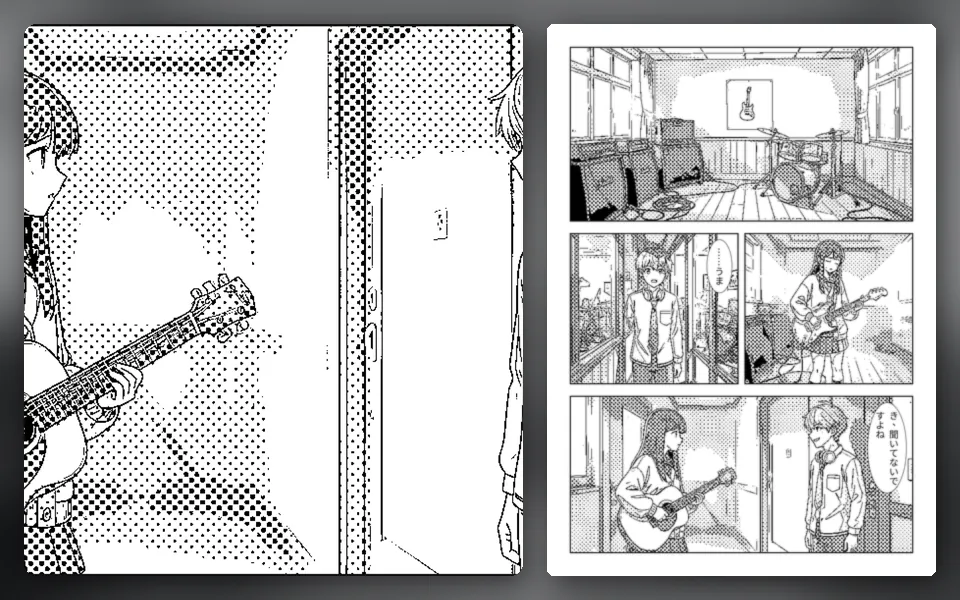
A longer story in 32 pages, with the big spread already placed in the template.
Runs on our own GPUs — unlimited on Feast and above (fair-use limits apply)
Start from this sample →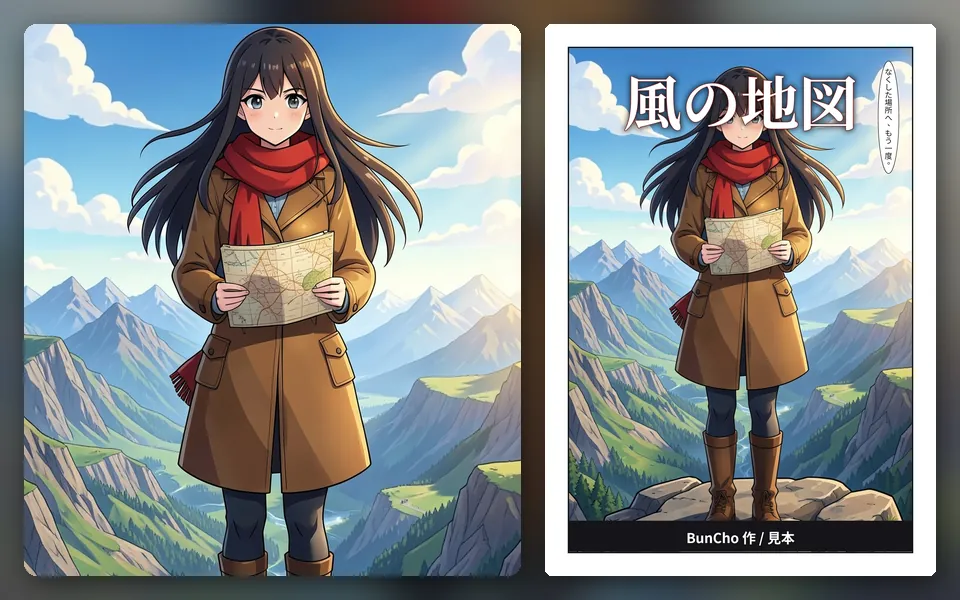
The face of your book. Swap the title lettering later.
Runs on our own GPUs — unlimited on Feast and above (fair-use limits apply)
Start from this sample →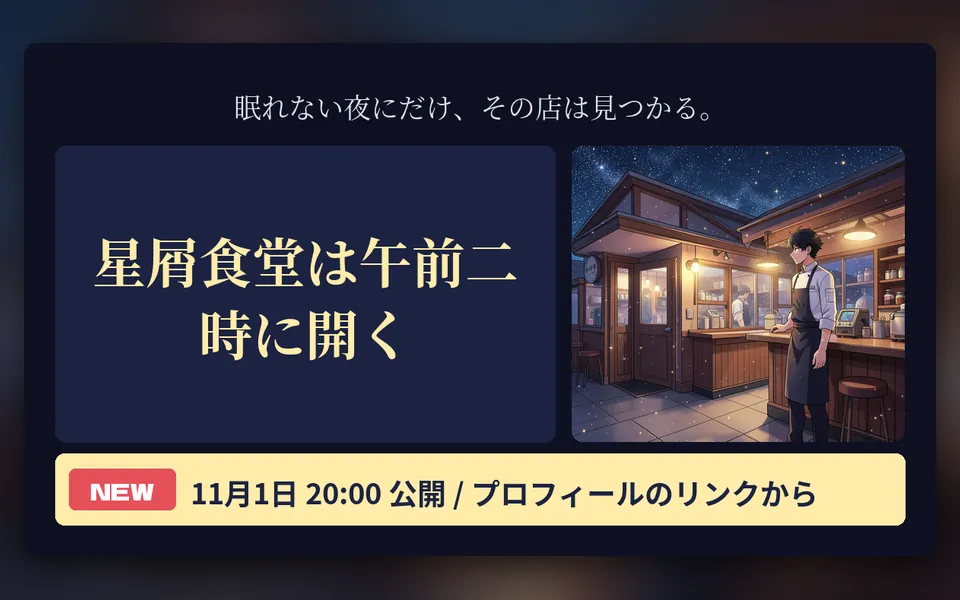
Turn the cover art into a card for social media.
Runs on our own GPUs — unlimited on Feast and above (fair-use limits apply)
Start from this sample →Choose 16, 24 or 32 pages and the page plan and spread positions are set for you.
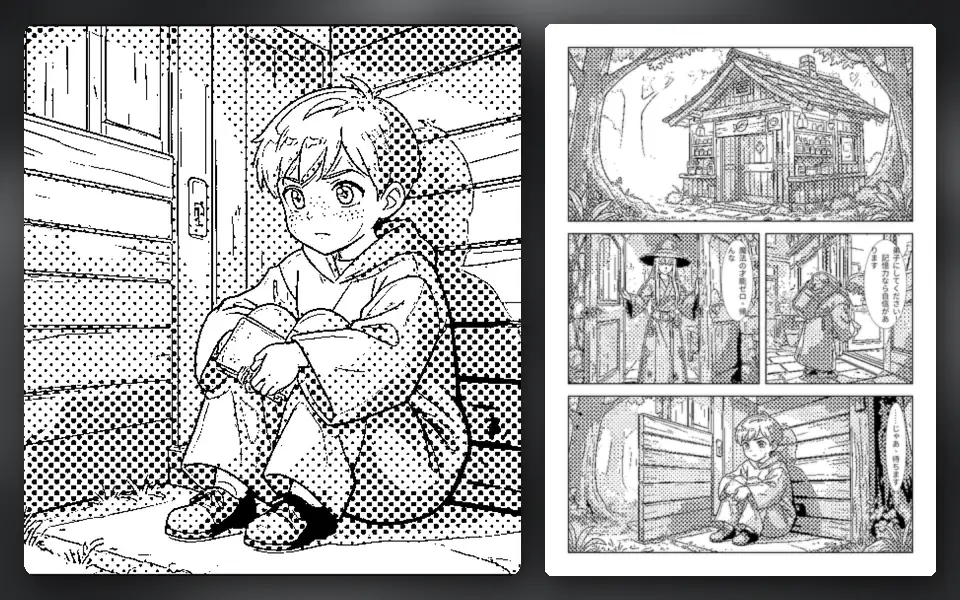
Lock your characters and draw. Add screentones to black-and-white pages, or import hand-drawn PSDs and mix them in.
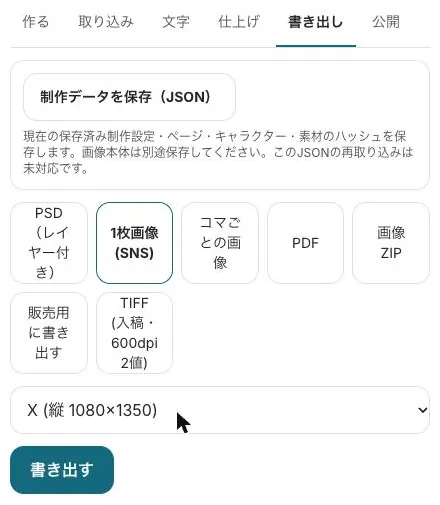
Pick 600 dpi TIFF, PDF with trim marks or PSD to match your printer's requirements.
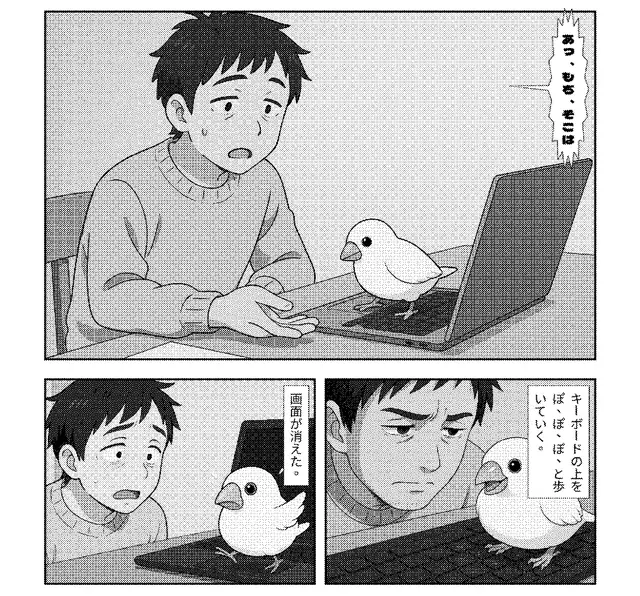
Spreads, page numbers, bleed and speech balloons.
Import CLIP STUDIO PAINT or Photoshop PSDs into the same manuscript as AI panels.
Export novels as EPUB or DOCX for typesetting.
Start from a sample and swap in your own story. New subscribers get 7 days free; the free tools stay free.
Start with the 16-page templateSee plans & prices
All use cases · Writers · Comic artists · VTubers & streamers · YouTubers · Musicians · Game devs & TTRPG · Teachers · Small businesses · Ad agencies · On your phone · Filmmakers