Keyframing every word by hand takes days
Pick a theme and auto-compose from 860+ kinetic motion presets, 27 visual styles and 38 color palettes.
For musicians, Vocaloid producers, VTubers & lyric video creators
Stop keyframing every syllable by hand in After Effects. With BunCho's Kinetic Typography Studio, paste your lyrics and audio to auto-compose high-energy lyric videos from 860+ motion presets and 27 visual styles. Direct specific lines with Cursor-style @mentions, export MP4 directly in your browser, or export an After Effects (.jsx) script.
Open the Lyric Video StudioSee plans & prices
First-time subscribers get a 7-day free trial. Cancel anytime during the trial and you pay nothing.
Pick a theme and auto-compose from 860+ kinetic motion presets, 27 visual styles and 38 color palettes.
Switch the background to solid green, blue or magenta for instant chroma-key compositing over VTuber illustrations, cover song MV visuals or live-action clips.
Runs in your browser on Mac, Windows or tablet with direct WebCodecs MP4 export in 16:9, 9:16 and 1:1 — plus editable After Effects (.jsx) script export.
Real samples made in the studio (our team made them in Japanese — you work in your own language). Each one opens as a template you can start from.
Auto-compose fast-paced kinetic typography from 860+ motion presets and 27 visual styles tailored to your chorus.
Uses credits — estimate shown first
Start from this sample →Reflow your lyric layout to 9:16 vertical format for mobile music promos.
Uses credits — estimate shown first
Start from this sample →Export lyrics on a chroma-key green background and layer them over your singer illustration or music video.
Uses credits — estimate shown first
Start from this sample →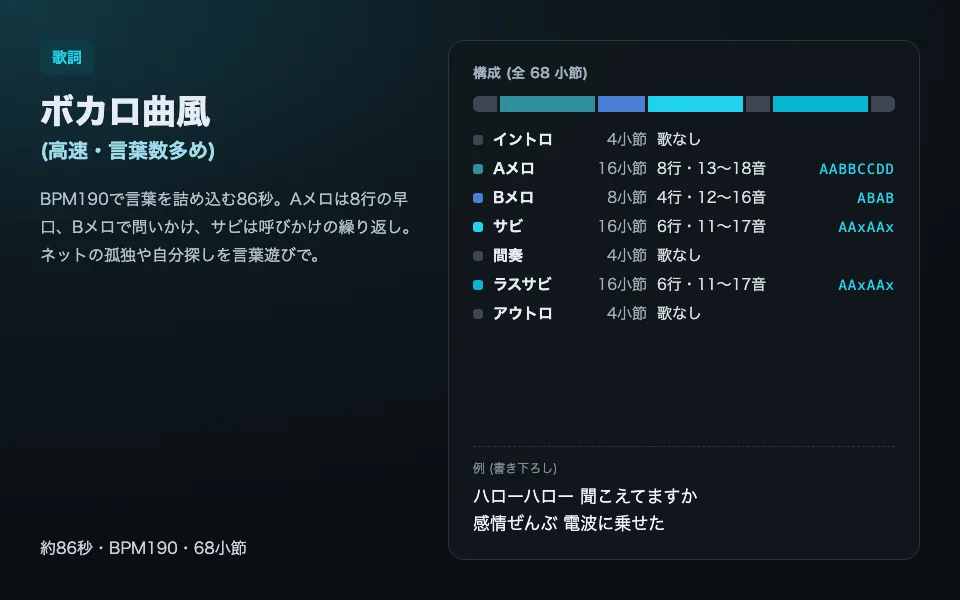
Type @Line1 or @Theme:Vocaloid in the AI chat to rewrite specific lines, add emphasis markers, or switch motion themes.
Uses credits — estimate shown first
Start from this sample →Enter your lyrics or start from AI Vocaloid chorus and 30-second teaser presets with automatic cut slashes (/) and emphasis (*word*).
Choose a theme (Lyric PV, Kinetic, Traditional, Horror, Pop, Ballad) and use @Line mentions in chat to fine-tune individual phrases.
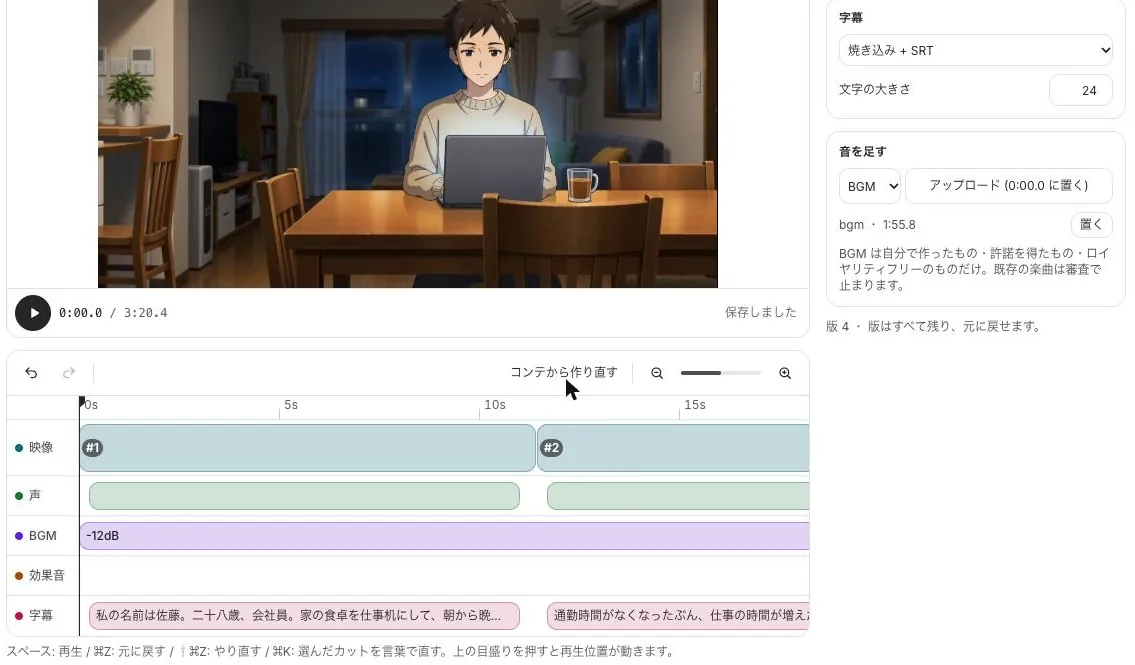
Render high-bitrate MP4 directly in your browser via WebCodecs, or download an After Effects (.jsx) script with editable text layers.
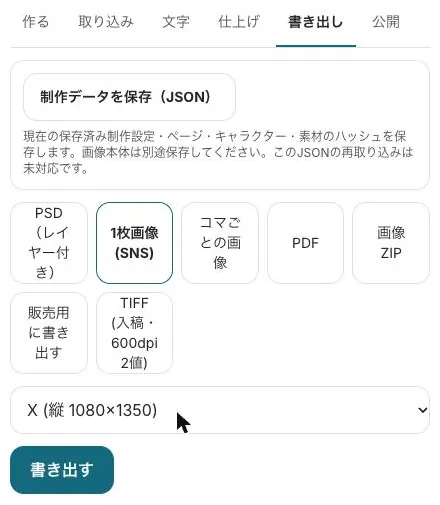
Mix neon, VHS, vertical calligraphy, cinema subtitles, cyberpunk and kinetic pop styles with 30 open-license fonts.
Target any lyric line (@Line1), aspect ratio (@9:16) or chroma-key mode (@GreenScreen) directly from the AI sidebar.
Export ready-to-post MP4 files in 16:9, 9:16 or 1:1, or hand off editable 3D camera and text layers to After Effects.
Start from a sample and swap in your own story. New subscribers get 7 days free; the free tools stay free.
All use cases · Writers · Comic artists · Indie comics & zines · VTubers & streamers · YouTubers · Musicians · Game devs & TTRPG · Teachers · Small businesses · Ad agencies · On your phone · Filmmakers
BunCho (pronounced "boon-cho" — Japanese for "Java sparrow"). Our mascot Mochi is a white Java sparrow.
Next step
Free to sign up. A template opens with sample text in every field, ready to rewrite.