Every video takes hours of editing
The storyboard comes from your script; fix the order and images, then build the timeline.
For YouTubers & faceless channels
Writing, finding visuals, cutting and captioning takes hours per video. In BunCho, your script becomes a storyboard of cuts; animate them, then lay voice, BGM, sound effects and subtitles on one timeline and export. It runs in the browser, so Mac and iPad work as well as Windows.
Make a short from a scriptSee plans & prices
Paid plans start the day you sign up. Cancel anytime.
The storyboard comes from your script; fix the order and images, then build the timeline.
It's all in the browser, on Mac, iPad and Windows alike.
Make vertical (9:16) versions on the same theme as the main video.
Real samples made in the studio (our team made them in Japanese — you work in your own language). Each one opens as a template you can start from.
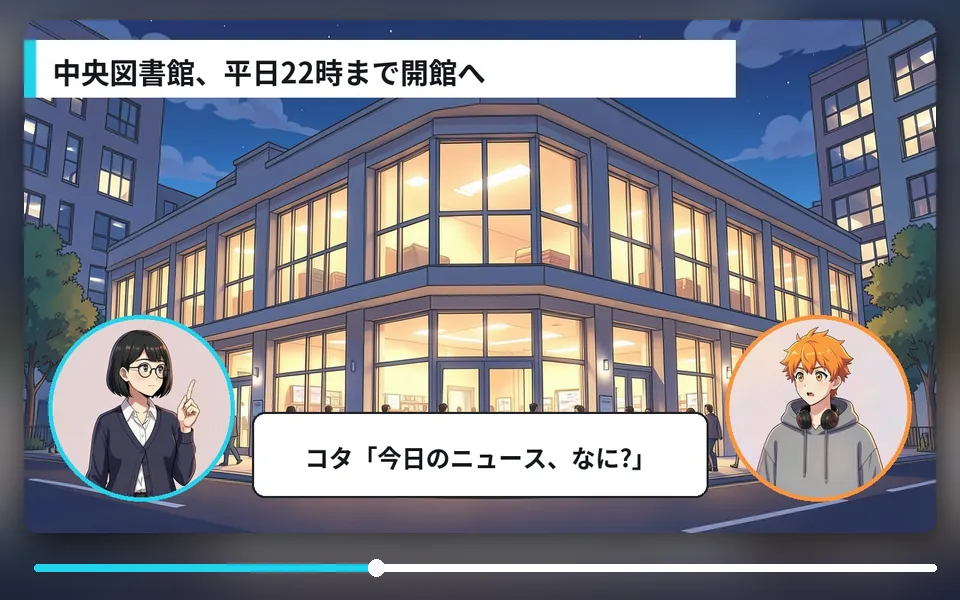
Two characters explain a topic back and forth. This format currently uses Japanese voices (VOICEVOX characters such as Zundamon) — a fit for anime-style and Japanese-learning channels. Voice credits are added automatically.
Uses DREAM — estimate shown first
Start from this sample →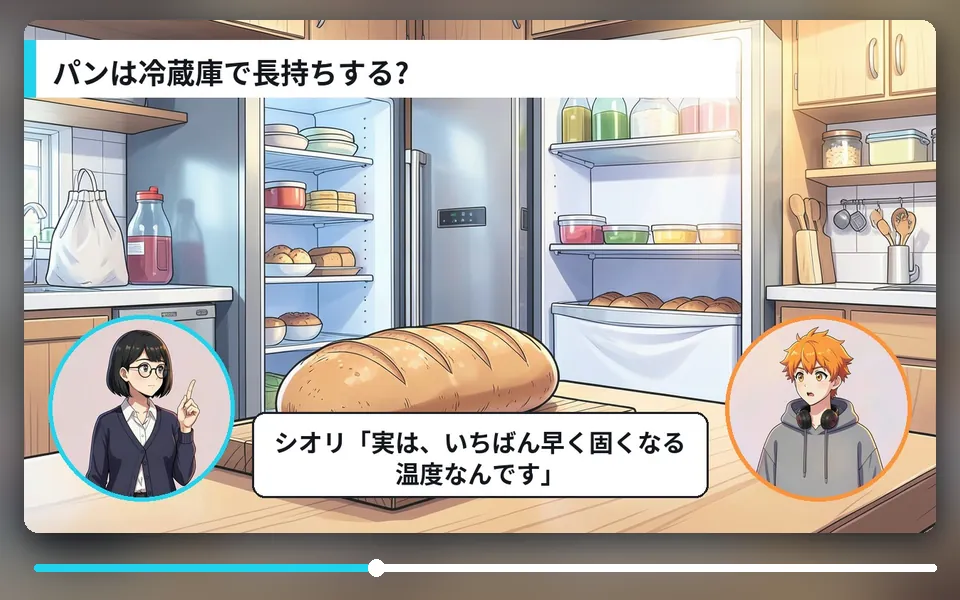
A question-and-answer format for fun facts.
Uses DREAM — estimate shown first
Start from this sample →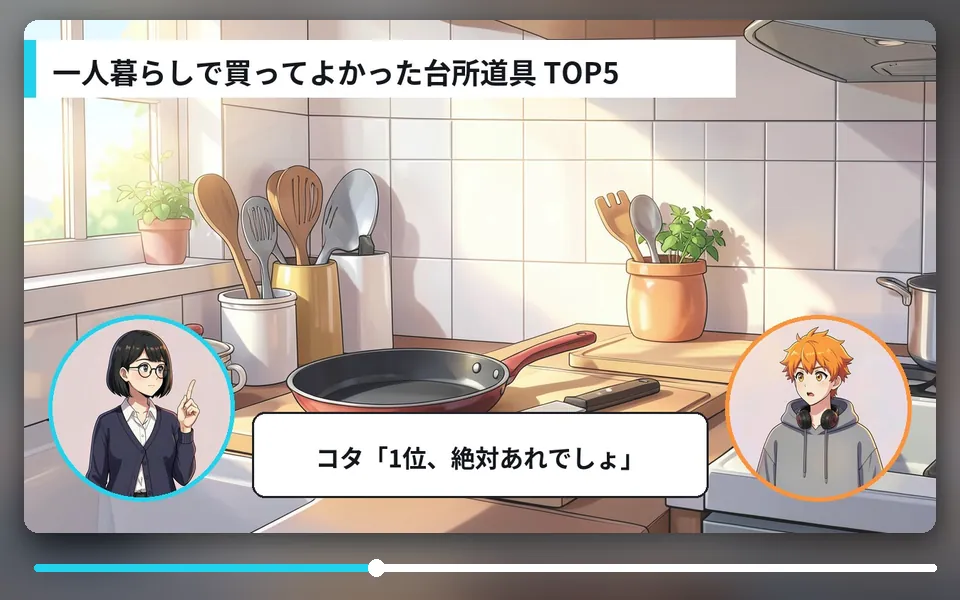
Count down a top list with commentary.
Uses DREAM — estimate shown first
Start from this sample →
Cover a topic as key points, background and a takeaway.
Uses DREAM — estimate shown first
Start from this sample →Widescreen 16:9 for the main channel or vertical 9:16 for Shorts; choose a style and the cast.
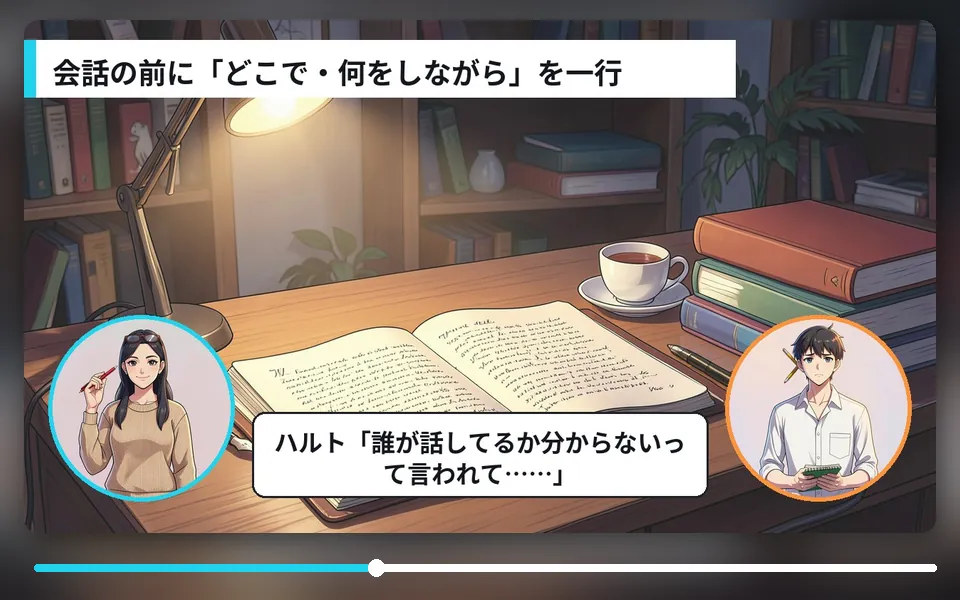
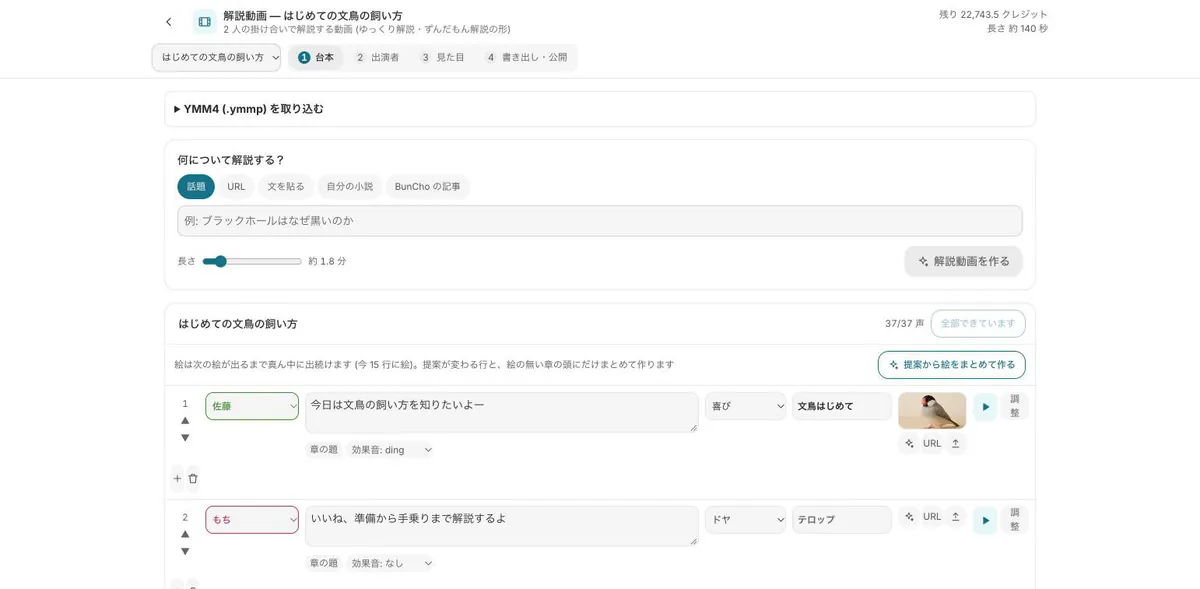
Fix the lines in the script tab; voices and subtitles follow.
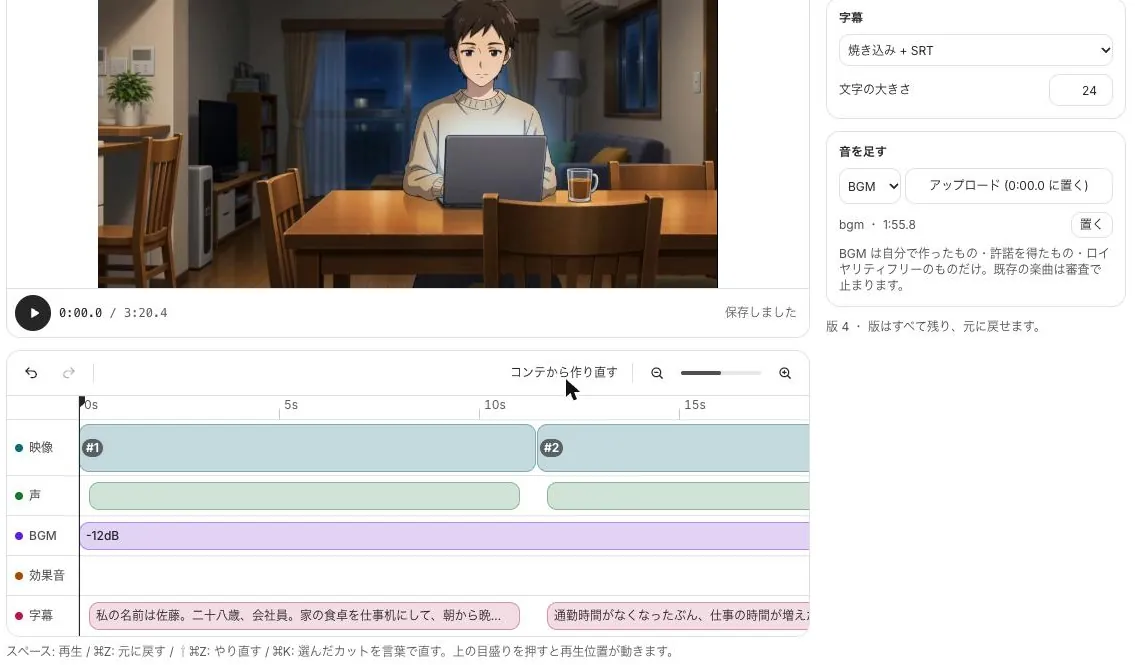
Check the voice, BGM, sound-effect and subtitle tracks, then export. BGM can duck under voices automatically.
Nothing to install. Mac, iPad and Windows.
Video, voice, BGM, sound effects and subtitles on separate tracks, with automatic ducking.
Export 480p to 2160p for YouTube, or vertical for Shorts, TikTok and Reels.
Start from a sample and swap in your own story. The free tools stay free.
All use cases · Writers · Comic artists · Indie comics & zines · VTubers & streamers · Musicians · Game devs & TTRPG · Teachers · Small businesses · Ad agencies · On your phone · Filmmakers · Lyric Video & Kinetic Typography
BunCho (pronounced "boon-cho" — Japanese for "Java sparrow"). Our mascot Mochi is a white Java sparrow.
Next step
Free to sign up. A template opens with sample text in every field, ready to rewrite.